Last month, David looked at why a system that feels slow may be affected by hardware, networks or the clinical system underneath – not only the software on screen.
That same variation matters when we prepare a new release. GP practices do not all have the same broadband, network configuration or technical setup, so testing only in a controlled environment tells us part of the story.
We also need to know how the release behaves in the setting where it will actually be used.
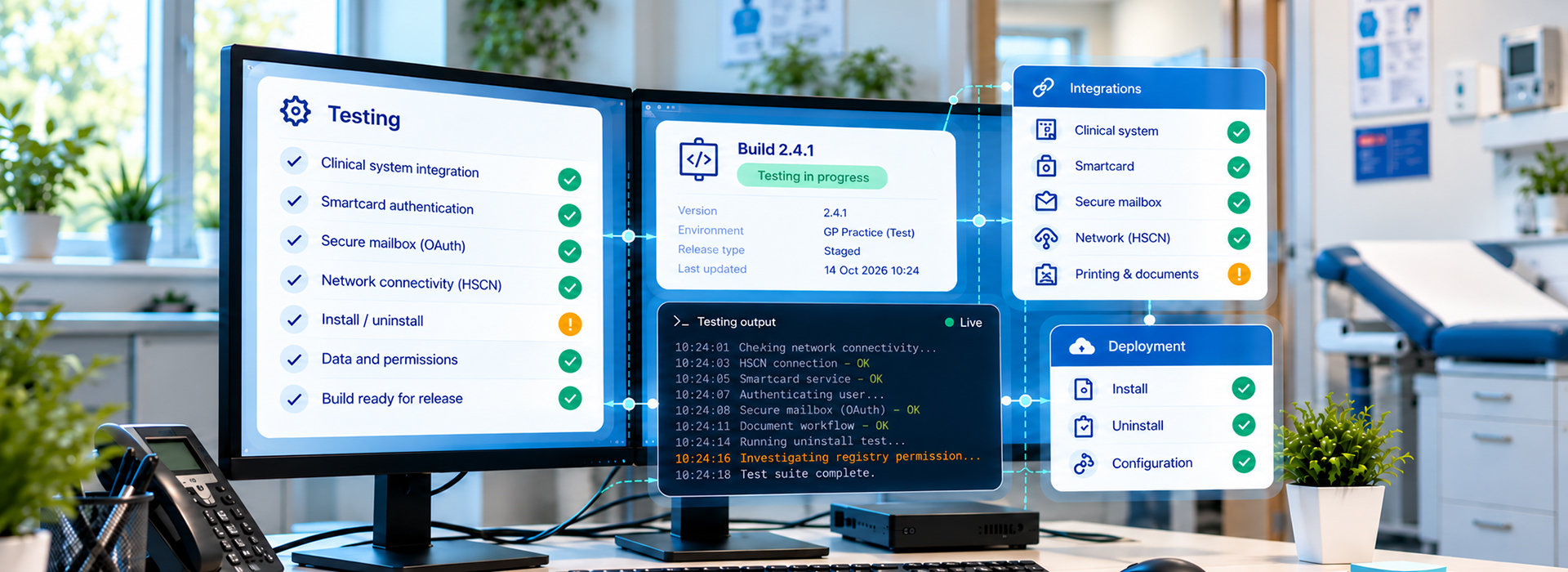
For us, part of the answer is technical testing carried out in the practice before a release goes out more widely.
The technical environment changes constantly. New NHS requirements, integrations and platform changes all affect what our software needs to work with.
That includes clinical systems such as EMIS and TPP, Smartcard integration and changes such as the move from SMTP to OAuth for practice email.
Each introduces a different technical or integration challenge, which is why our testing has to reflect the environments practices actually use.
Our technical tests take place on selected practice workstations, or on workstations connected to the practice.
Before anything is installed, we liaise with the participating practitioner and their Practice Manager. The Practice Manager confirms whether we can install the software on a specific workstation, and testing does not go ahead without that approval.
From the practice, we need three things: access to a single workstation on the practice’s HSCN network, a test patient in EMIS that we can use for testing, and permission to use an approved practice email account as part of the test.
Our engineers install and uninstall the software within the test session itself.
Just as importantly, the practice keeps running. No clinical system downtime is required, no network workstation downtime is required, and normal practice operations continue throughout.
A technical test brings several people together, each with a defined role.
The Software Delivery Project Manager coordinates the session with the participating practitioner and reports the outcome to the relevant stakeholders.
Quality Assurance prepares the test scenarios in advance and determines whether the build is ready for the session. During testing, the team works through the items scoped for general-release readiness and logs anything that fails or behaves unexpectedly.
Development supports the session from the backend and configuration side, helping with troubleshooting and debugging where needed.
The practitioner takes part alongside our Quality Assurance team, sharing their observations, concerns and feedback throughout. We also use the session to gather feedback on new features or enhancements and see how they behave in a real clinical environment, rather than only in a controlled test setting.
The Practice Manager does not need to attend the session but may provide administrative support where required, arranged through the participating practitioner.
A recent pair of sessions with one practitioner shows how this works.
During the first session, part of the software failed to launch. The team prepared a dedicated debug build so the problem could be investigated in the practice environment.
A week later, the issue did not recur and end-to-end testing of a core workflow ran successfully.
Scenarios affected by known issues, where fixes were already in progress, were recorded as blocked rather than failed. Potential interface issues that could not be recreated were carried into the next build for further investigation.
The sessions also gave the practitioner an opportunity to tell us what worked well and what could work better.
Real-practice testing gives us a chance to find issues that may not appear in a controlled environment.
It also gives us direct feedback from the people working with the software in the setting it was built for. That makes it easier to identify problems before a wider release and understand which differences between practice environments actually matter.
Interested in how DXS approaches software testing, technical assurance and release readiness in primary care? Get in touch – hello@dxs-systems.co.uk
